
How to Choose the Best Smart Home Security System for Your Needs
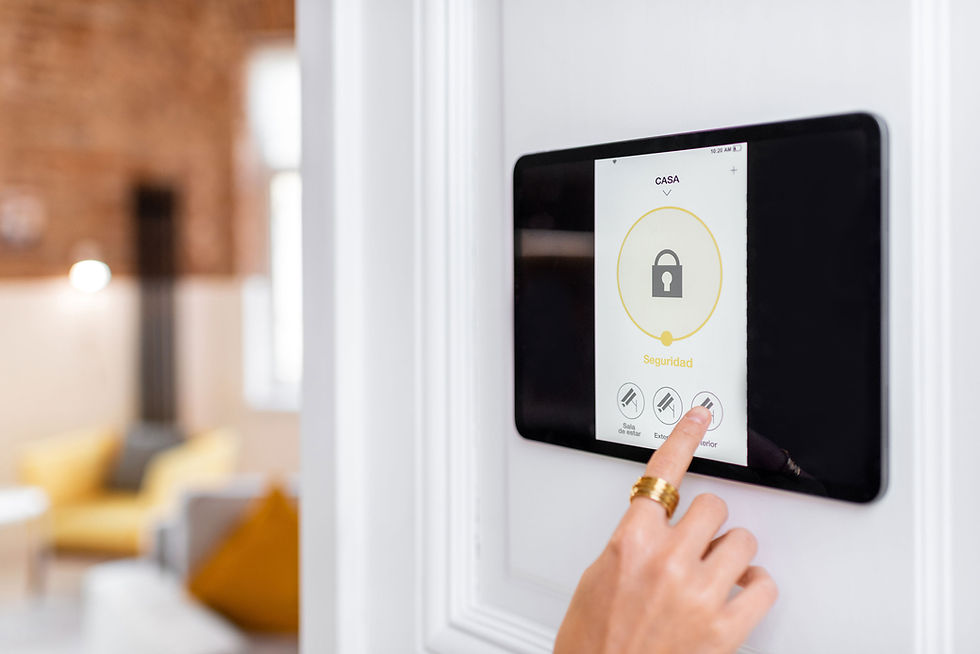
Choosing the best smart home security system depends on your property type, lifestyle, and privacy needs. This guide breaks down every factor—clearly and objectively.
🏠
Smart home security systems have evolved dramatically, offering homeowners and renters more control, flexibility, and peace of mind. But with so many options—wired vs wireless, DIY vs professional, subscription vs no-fee—it’s easy to feel overwhelmed. This guide walks you through how to choose the best smart home security system for your needs, using long-tail keywords and intent-driven comparisons to help you make an informed decision.
Understanding Your Intent – What Do You Want from a Smart Security System?
Identify Your Primary Security Goals
Before comparing systems, clarify your intent. Are you looking to:
Deter break-ins?
Monitor deliveries and visitors?
Protect outdoor areas like garages or gardens?
Keep an eye on pets or children?
Your goals will shape the type of system you need—from basic motion sensors to full surveillance setups.
Consider Your Property Type
Different homes require different setups:
Flats or apartments may benefit from compact, wireless systems with video doorbells.
Detached houses often need multi-zone coverage, including outdoor cameras and sirens.
Rental properties require non-invasive, portable systems that don’t damage walls or wiring.
Key Components of a Smart Home Security System
Cameras – Indoor, Outdoor, and Doorbell
Cameras are central to smart security. Consider:
Resolution (1080p or higher for clarity)
Field of view (wide-angle lenses cover more area)
Night vision (infrared or spotlight-enhanced)
Two-way audio (talk to visitors or intruders)
Doorbell cameras are ideal for monitoring deliveries and front-door activity.
Sensors – Motion, Entry, and Glass Break
Sensors detect movement or breaches. Common types include:
Motion sensors for rooms and hallways
Contact sensors for doors and windows
Glass break sensors for vulnerable entry points
These can trigger alerts or activate cameras automatically.
Alarms and Sirens
Audible alarms deter intruders and alert neighbours. Some systems include:
Indoor sirens for immediate response
Outdoor sirens with flashing lights
Silent alerts sent directly to your phone
Control Panel or Hub
The hub connects all devices and manages settings. Features to look for:
Touchscreen interface
Battery backup
Cellular or Wi-Fi connectivity
Integration with voice assistants
Smart Features That Enhance Security
Voice Assistant Integration
Many systems work with:
Amazon Alexa
Google Assistant
Apple HomeKit
This allows voice control, automation routines, and remote access.
Mobile App Control
Apps let you:
Arm/disarm remotely
View live camera feeds
Receive instant alerts
Adjust settings and schedules
Check app reviews for reliability and ease of use.
AI and Smart Detection
Advanced systems use AI to:
Distinguish between people, pets, and vehicles
Reduce false alarms
Trigger specific actions (e.g., turn on lights when motion is detected)
Comparing Installation Options – DIY vs Professional
DIY Installation
Pros:
Lower upfront cost
Flexible placement
No drilling or wiring required
Cons:
May require troubleshooting
Limited support
Ideal for renters or tech-savvy homeowners.
Professional Installation
Pros:
Expert setup and calibration
Hardwired options for reliability
Ongoing support and maintenance
Cons:
Higher cost
May require contracts
Best for large homes or users who prefer hands-off setup.
Subscription vs No-Fee Systems
Subscription-Based Systems
Offer:
Cloud storage for video recordings
Professional monitoring
Enhanced app features
Monthly fees range from £5 to £30 depending on services.
No-Fee Systems
Offer:
Local storage via SD card or NAS
Self-monitoring through app
No recurring costs
Ideal for budget-conscious users or those with privacy concerns.
Privacy and Data Security Considerations
Data Encryption and Access Controls
Look for:
End-to-end encryption
Two-factor authentication
User permission settings
These protect your footage and personal data from breaches.
Where Is Your Data Stored?
Some systems store data:
Locally (on device or SD card)
In the cloud (UK, EU, or US servers)
Choose based on your comfort level with remote storage and GDPR compliance.
How to Choose the Best Smart Home Security System for Your Needs
Create a Checklist Based on Your Intent
Use this framework:
What areas do I need to monitor?
Do I want professional or DIY installation?
Is remote access important?
Am I comfortable with subscriptions?
What’s my privacy threshold?
Compare Systems Based on Features
Use comparison tables or review sites to evaluate:
Camera quality
Sensor range
App usability
Integration options
Customer support
Source: PCMag UK PCMag UK, The Independent The Independent, Homebuilding UK Homebuilding & Renovating.
Think Long-Term
Consider:
Expandability (adding more devices later)
Battery life and maintenance
Software updates and support
Final Thoughts:
Choosing the best smart home security system isn’t about buying the most expensive kit—it’s about matching features to your lifestyle, property type, and privacy preferences. By understanding your intent, comparing installation and subscription models, and evaluating smart features, you’ll make a confident, informed decision.
And to discover our best smart solutions, we would love you to visit our Amazon affiliate links below.


Comments